
A sudden fall, dizziness, or unexpected medical issues may become a nightmare when one is alone and is unable to reach a phone.
For older adults, these circumstances may also raise a concern for family members who may not always be around. Requesting assistance can make everyday activities feel more manageable while supporting independence.
However, an emergency device does more than send a signal.
It relies on connectivity, communication technology, and trained monitoring specialists to help coordinate an appropriate response. Understanding how these components combine may help you in selecting a system that will suit your everyday living and safety needs.
That said, the sections below will help you understand how cellular networks and monitoring center services power senior alert devices, and what to consider when choosing a system.
- Cellular Networks Transmit Alerts to Monitoring Centers
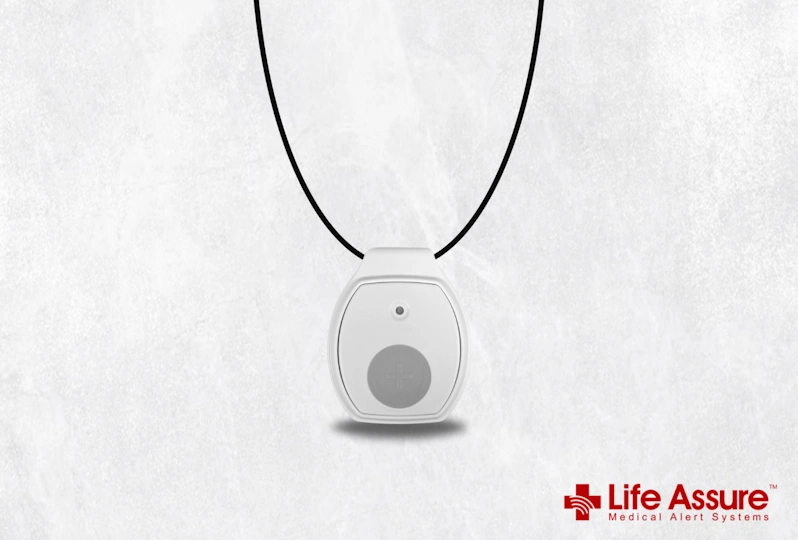
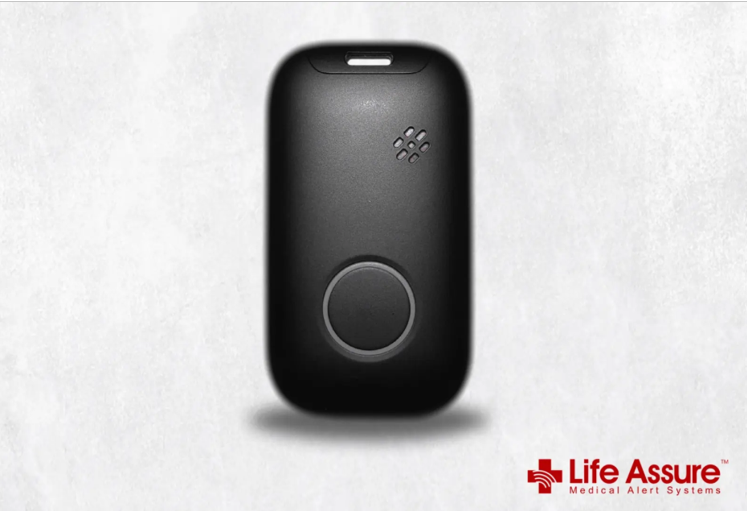
When you choose an alert button for the elderly, it is important to understand how the device communicates during an emergency. Therefore, cellular connection enables compatible mobile medical alert systems to send alerts to a monitoring center without using a traditional landline. This can be especially helpful for seniors who walk outdoors, visit friends, or run errands.
The process starts when you press the help button; the device sends an alert through its supported cellular connection. The system will then notify the monitoring service by sending an alert to its specialists that assistance may be needed. When the signal is sent to the center, a specialist will try to contact you and evaluate the situation.
However, cellular connectivity depends on network availability. When you go somewhere and there is low or no compatible cellular coverage, communication may be disrupted. Therefore, checking network availability around your home and the places you regularly visit is an important part of choosing a mobile system.
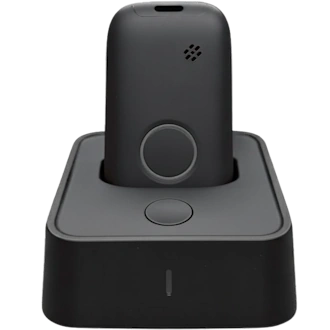
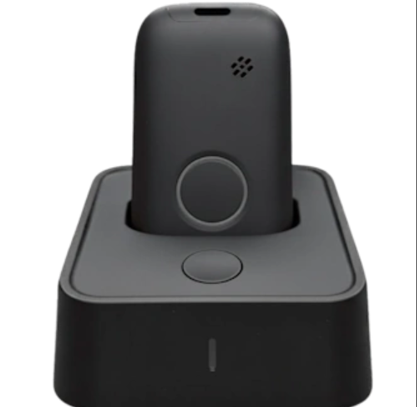
All medical alert devices do not use cellular connectivity the same way. A home-based system communicates through a base unit, whereas a mobile system may connect directly to a cellular network. Understanding these differences will help you choose a device that suits your lifestyle.
- Monitoring Center Networks Process Emergency Signals
Sending an emergency signal is only the first step. Once the monitoring center receives the signal, its systems help route the alert to a specialist who can determine what assistance may be necessary.
Monitoring centers are based on communication systems, and procedures are designed to handle incoming emergency signals. When receiving an alert, the system notifies a specialist, who tries to reach out to the user through the medical alert device. This discussion can help the specialist determine your urgent needs and decide what to do next.
While there is 24/7 monitoring, emergencies can happen at any time. This can be of great use, especially when the family members are busy, asleep, or unable to respond.
In case you cannot communicate, the monitoring team can proceed to standard emergency protocols, such as calling emergency services or other contacts. The response would vary depending on the situation and protocols of the service.
- Two-Way Communication Connects Seniors With Specialists
Cellular connectivity helps transmit an alert, but two-way voice communication makes it possible to discuss the emergency. Compatible medical alert system come with microphones and speakers that enable users to communicate with monitoring specialists without locating another phone.
This feature is useful because an emergency can make ordinary tasks difficult. When you are injured or distressed, it might be hard to call on the phone, open a screen, or even recall a phone number. With two-way communication, you can speak directly through the alert system.
However, the communication method depends on the device. Certain home-based systems consist of a speaker and microphone in the base unit, or mobile devices can offer voice communication directly through the wearable unit.
- Connected Systems Transmit User Information and Location Data
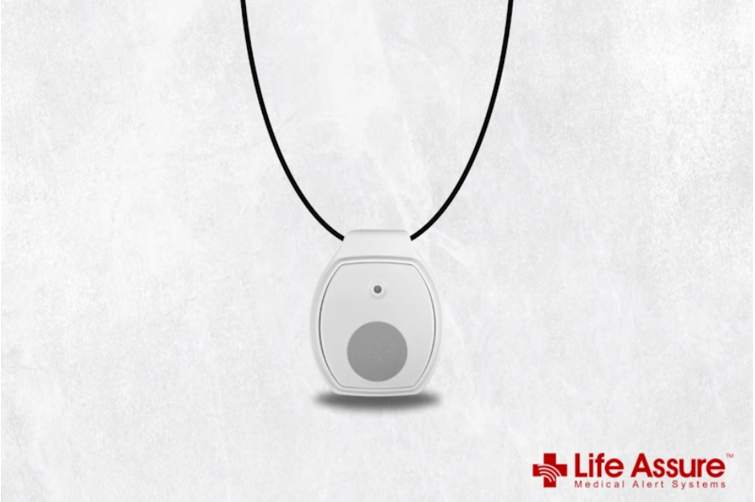
Emergency responses can become more complicated when seniors need help away from home. In these situations, connected medical alert systems may use GPS technology to help identify the user’s location and support the coordination of assistance.
GPS-enabled mobile devices can provide location information to the monitoring service. For example, if you need help while walking in a park, the location data could assist a professional in determining your location and provide that data to emergency responders when necessary. This is particularly helpful if you cannot describe your exact location.
Some systems also offer optional fall detection. Sensors in compatible devices identify movement patterns associated with a potential fall and can automatically send an alert without requiring you to press the help button.
Before choosing a system, check whether it has GPS tracking, optional fall detection, a good battery life, and cellular coverage in the places where you spend your time. Also, understand what information the monitoring service receives and how it is used to coordinate assistance.
Conclusion
Cellular networks, monitoring center systems, two-way communication, and location technology work together to support emergency assistance for seniors. Each component has a distinct role, from transmitting an alert to helping specialists understand the situation and coordinate a response. Together, these technologies help ensure that seniors can request assistance promptly, whether they are at home or away from familiar surroundings.
By comparing connectivity, communication features, monitoring availability, and location capabilities, you can choose a medical alert system that supports greater confidence and independence in everyday life.
Understanding how these features work together also helps you evaluate reliability, identify essential safety functions, and select a system that suits your daily routine and personal needs.